
Load DVDs/ Movies-Step1
-
3 basic steps need to be done to load video. I will explain the parts in general (in case you want to use your own app), or if a specific app.
the steps are:
-convert the dvd/video into iso or mp4 container files. the app in this writeup is: dvdfab version 8.
-compress the container file into a single mp4. the app here is: handbrake.
-upload compressed file into a category/ topic on the museum system.step1.
most dvds contain 2 directories (video_ts/ audio_ts) and a bunch of *vob files. you need to end up with a single file in the iso format. so if you are a techie, use whatever and do the conversion.if you are not a techie, then..
- find the Museum laptop
- start the DVDFAB windows program. click StartDVDFab
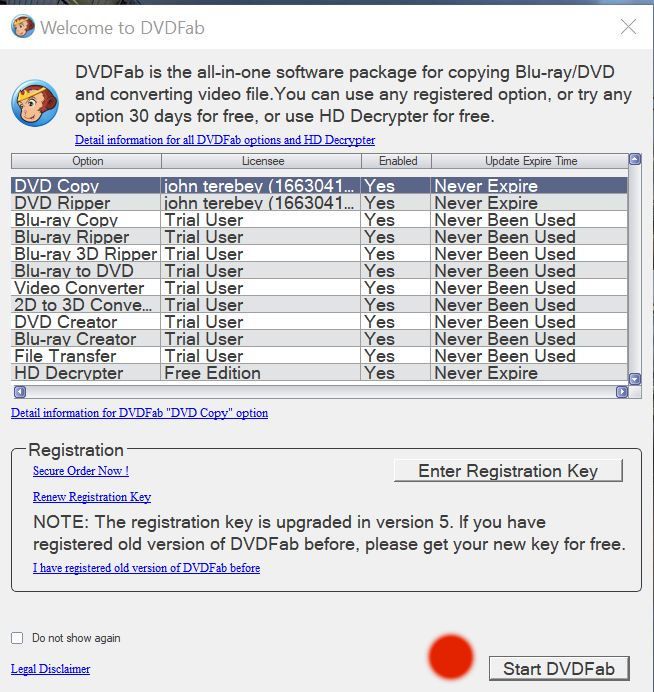
-load dvd into tray. after a few minutes, it will appear in the source tray.
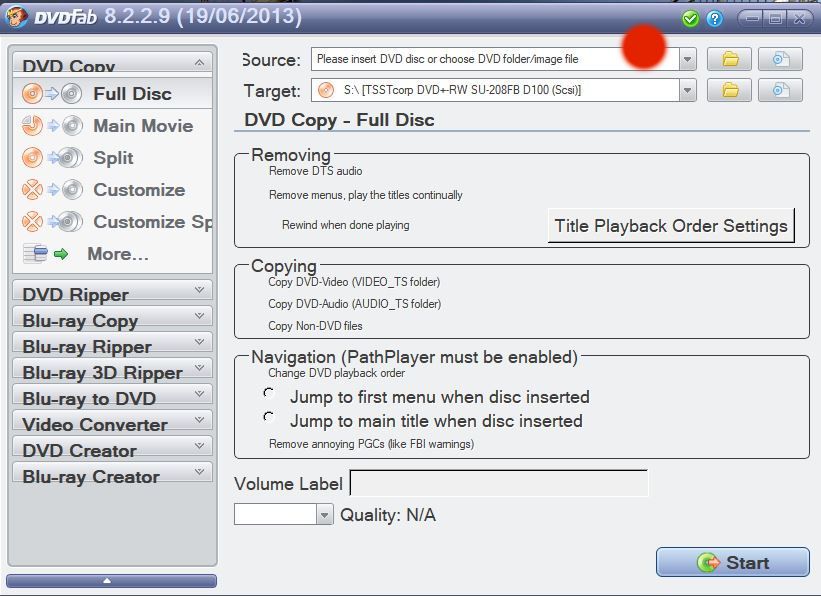
-now enter where the target file should be made. click the file icon. NOT the folder icon.
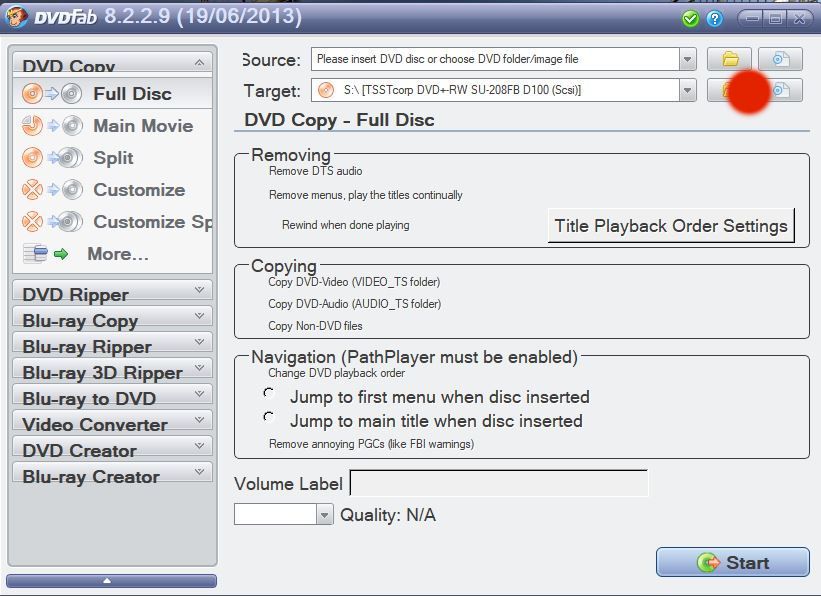
-put in the target file. click OK
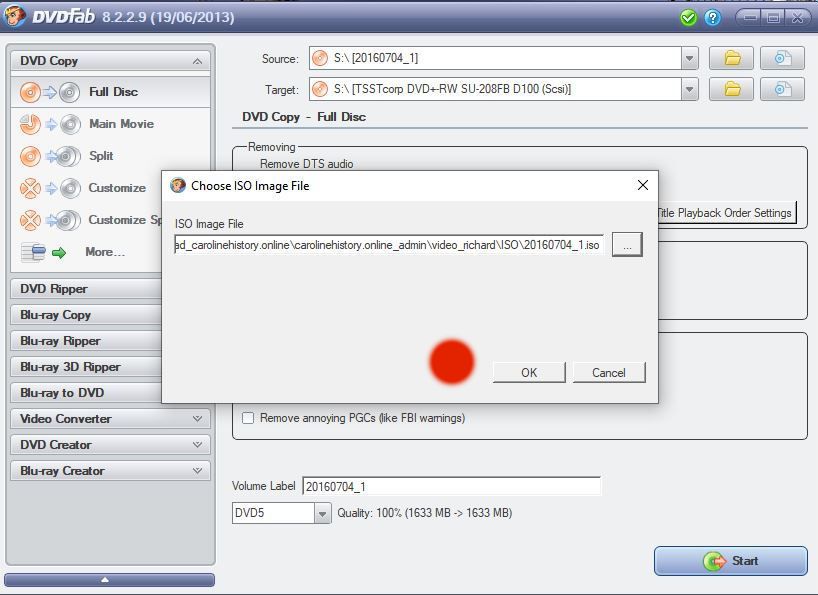
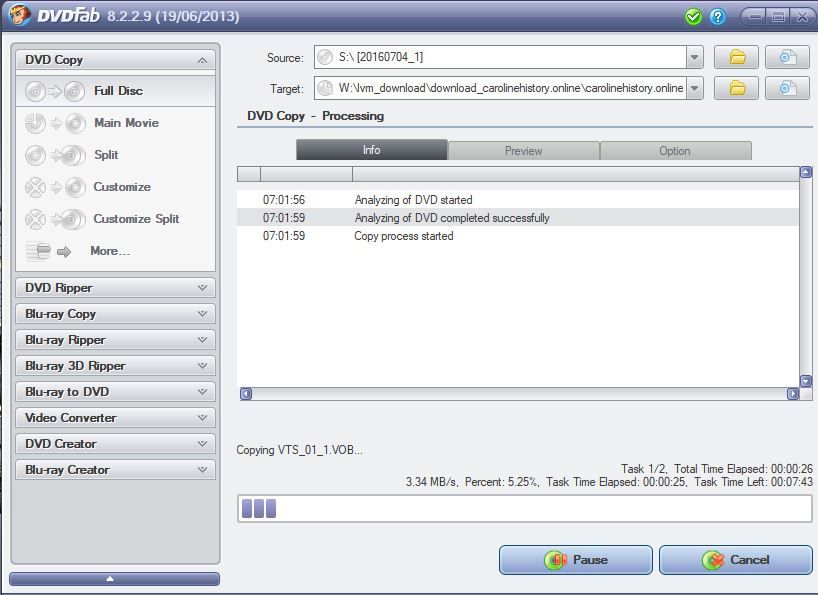
-the DVDfab app will process your dvd in tray and make the target file. There may be dvd read errors or other info messages. respond appropriately. Here, click OK to accept the target file name, and click Start to get things going.
--this is an intermediate step. sit back until 100 percent.
--almost done. you will get a mostly white screen that simply reaffirms the target file. end this blank screen. then you will get this reassuring screen that all is ok.
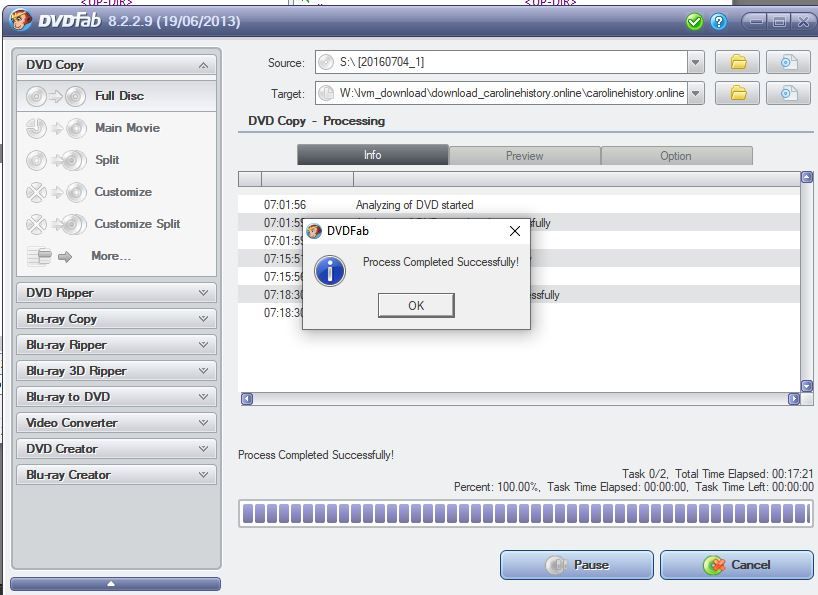
-once the iso file is made, you can proceed to step2.